What the computer needs, first.
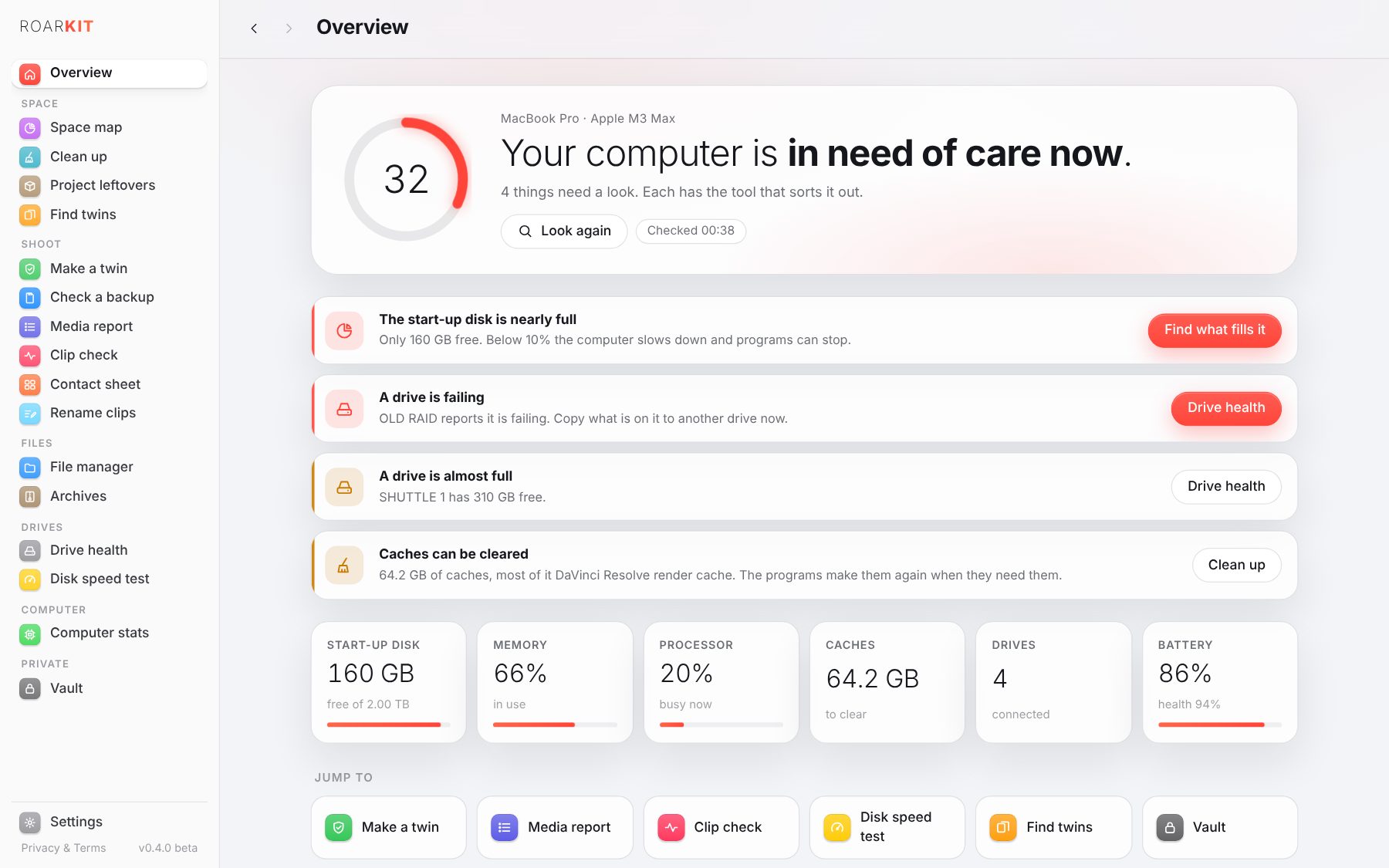
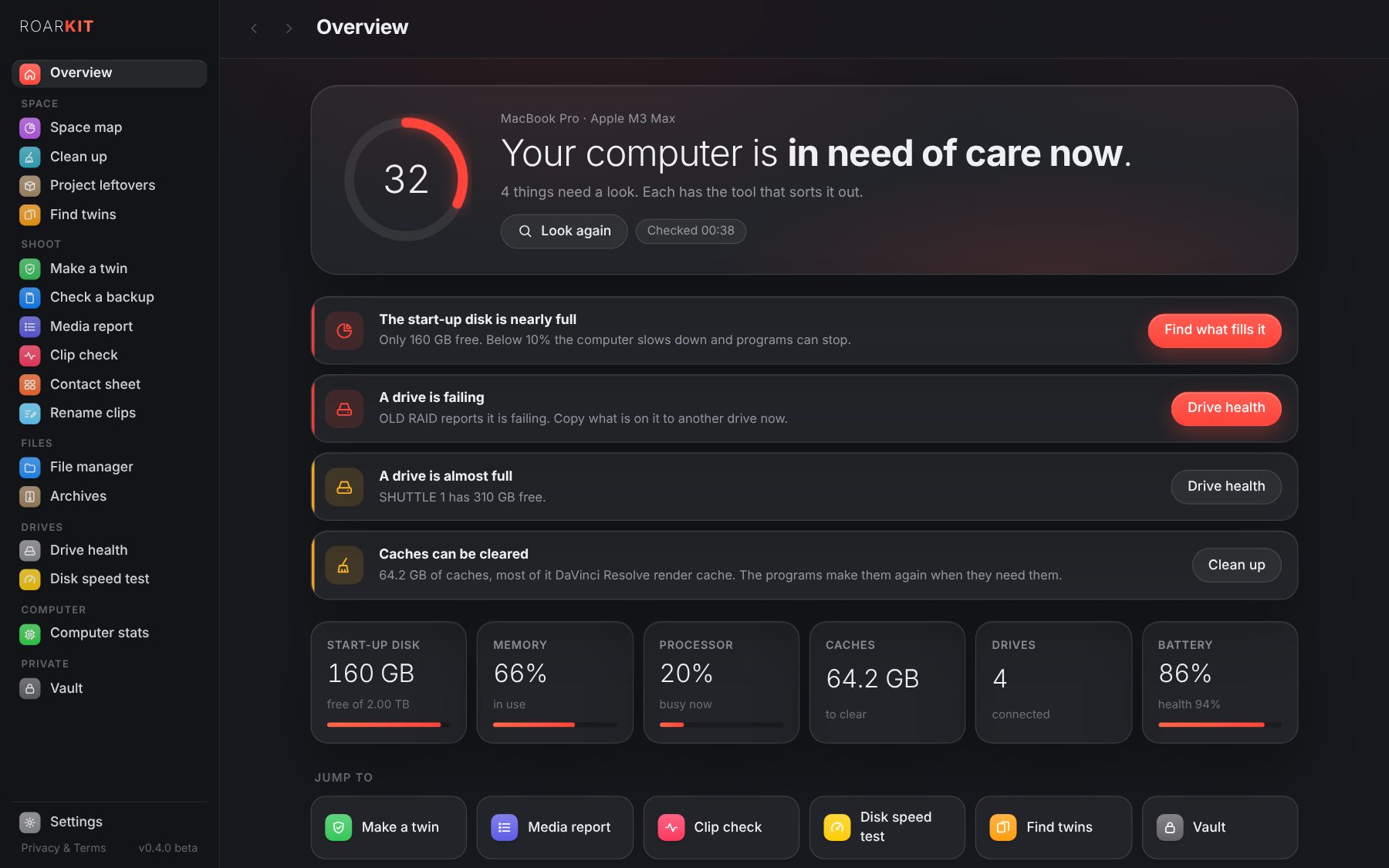
RoarKit opens on a score for the computer: the start-up disk, the drives, the caches, memory, heat and battery, in a few seconds. Each thing to sort out comes with the button to the tool that does it.
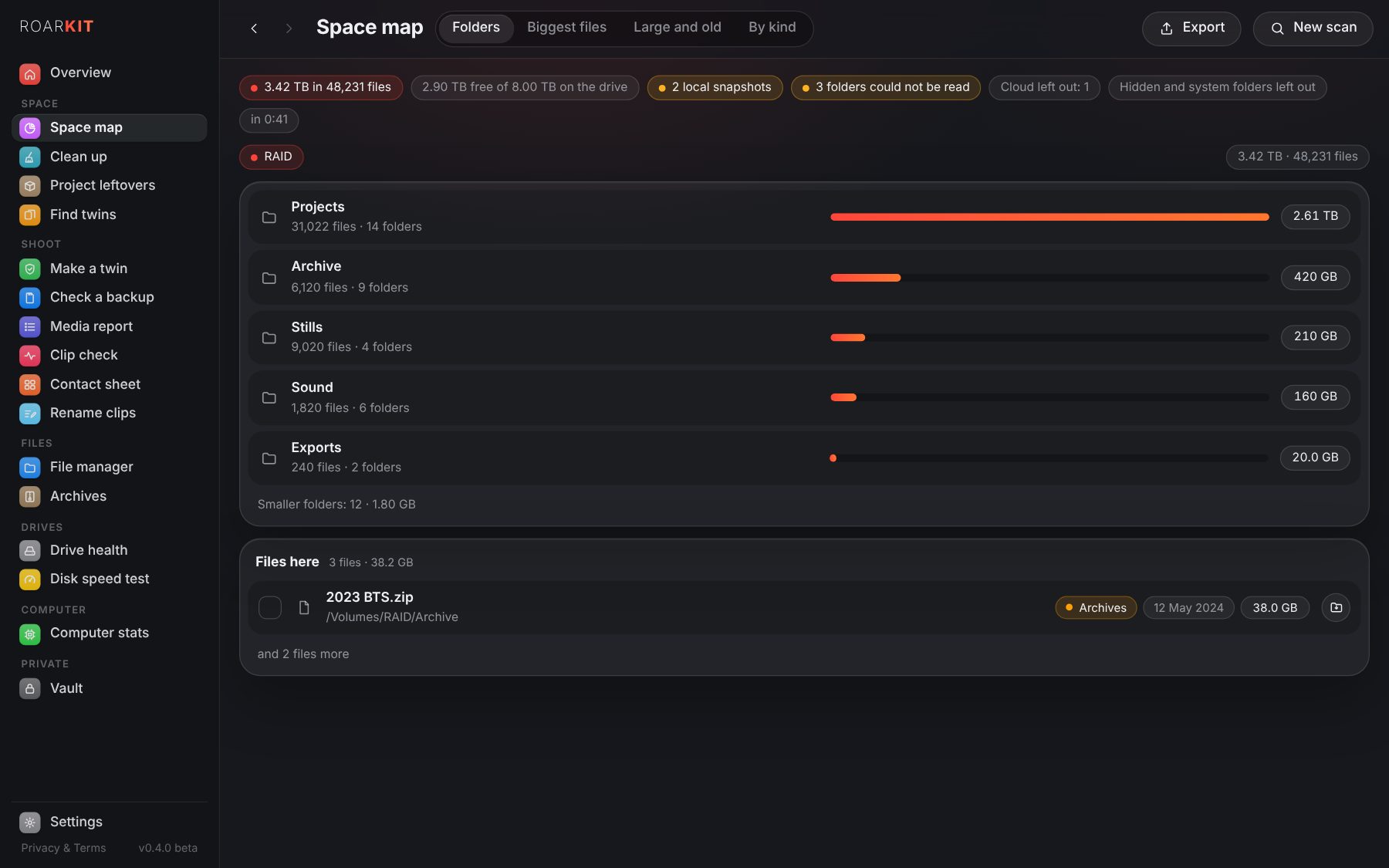
Where did the space go?
A drive, your home folder, a shoot: every folder by its size, the biggest files, the space each kind of file takes, and the big files nobody has touched for months. On a Mac, the local Time Machine snapshots too.
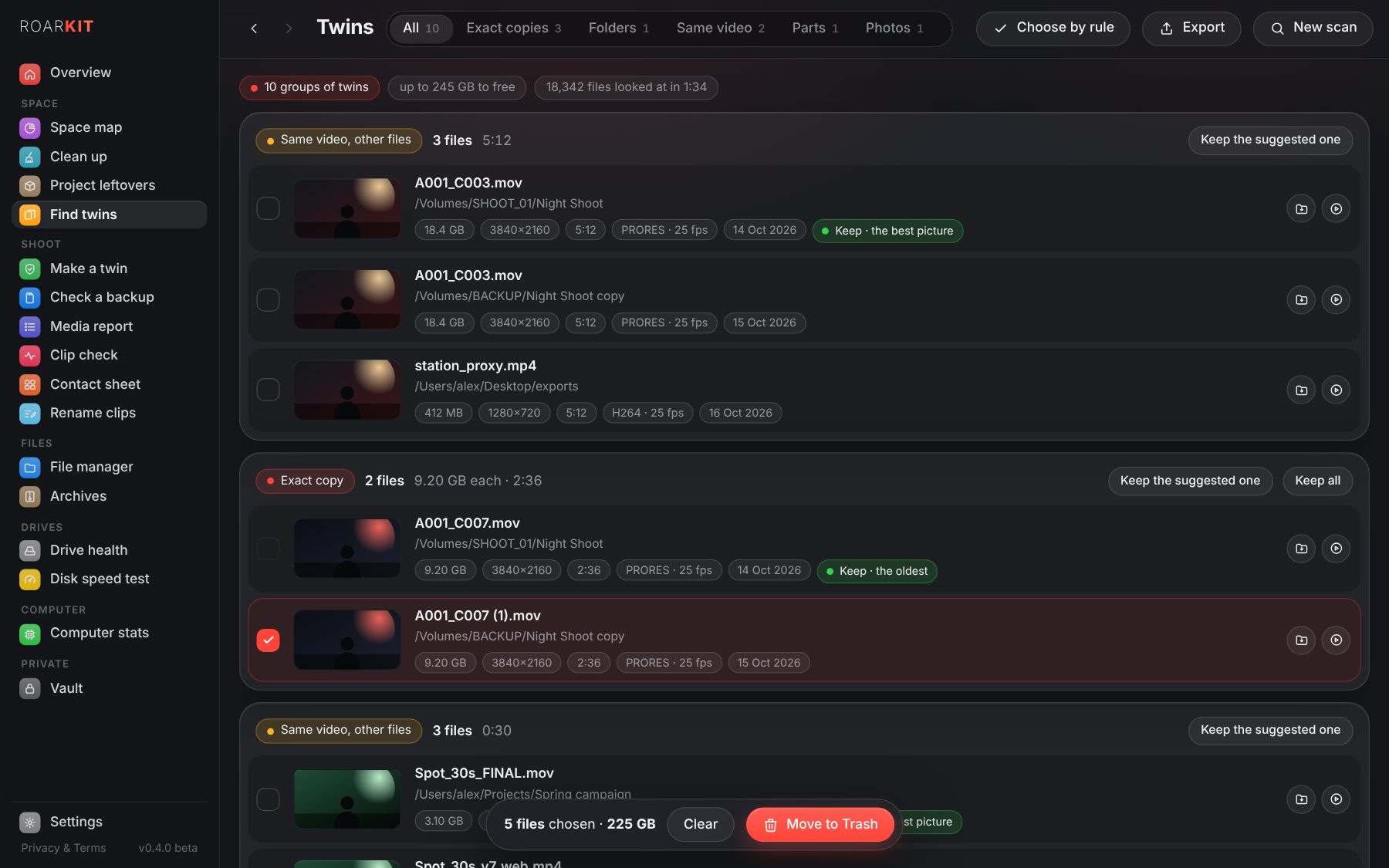
Find the twins.
The same file twice whatever its name, the same video in another size, codec or format, the same sound in a WAV and its MP3, a trim cut out of a longer video. Previews side by side, the one to keep suggested.
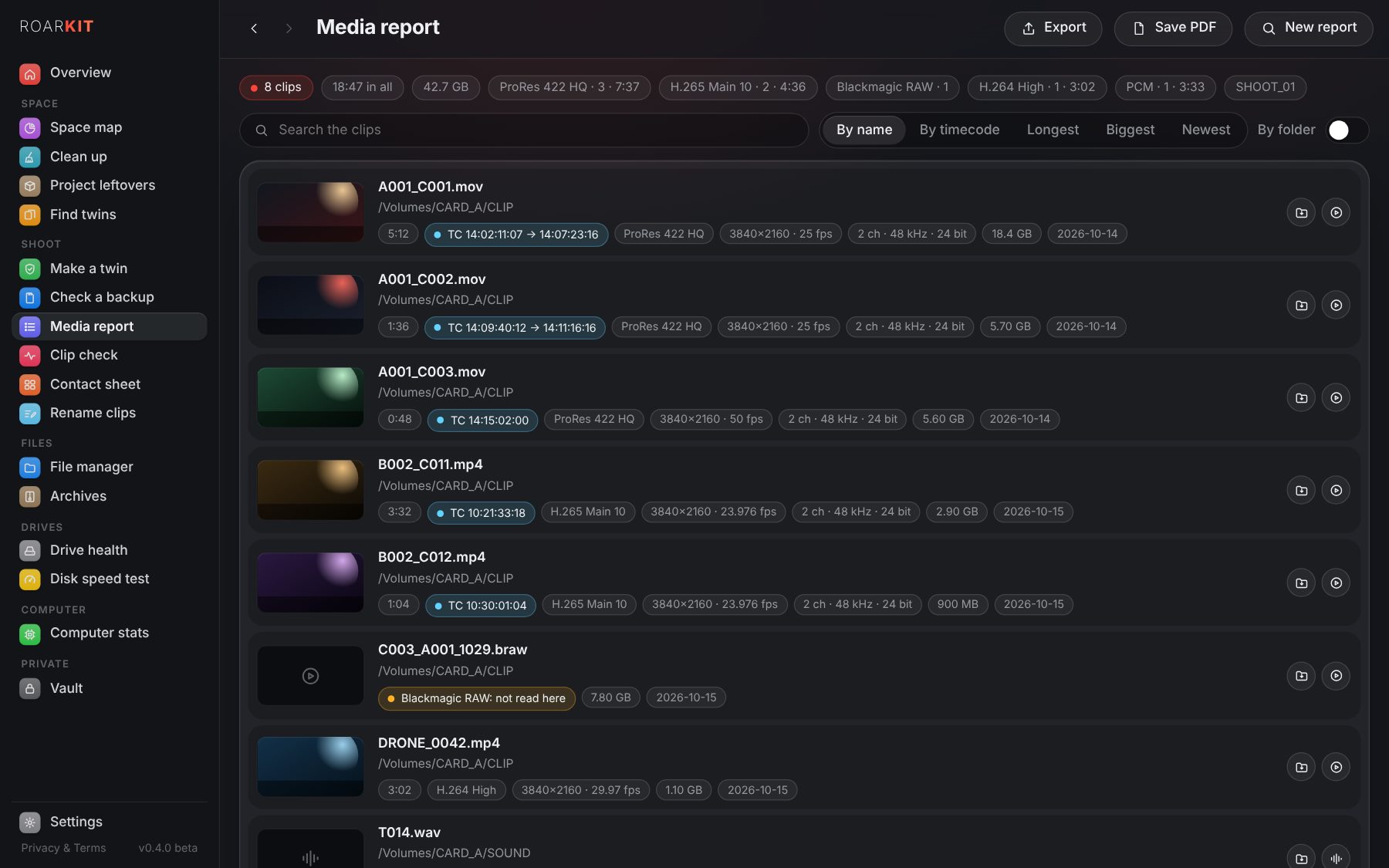
A report of the clips.
Every clip of a card or a folder with a frame, its length, codec and profile, picture, frame rate, timecode and sound. Save it as a PDF for the post house or as a list for Excel.
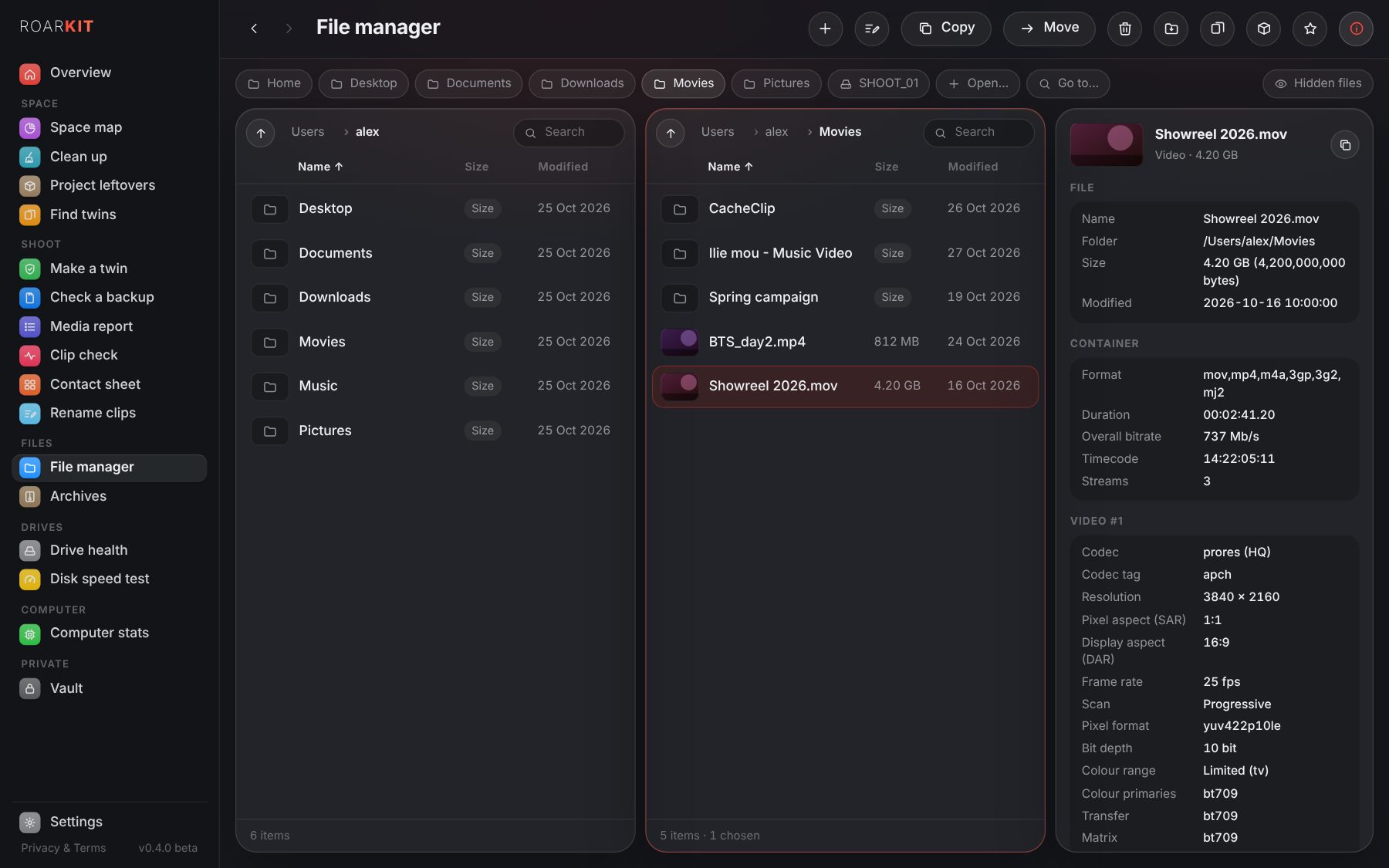
Two panes, every detail.
Copy and move between two folders without ever writing over, compare them, make a project's folders from a template. Choose a file to see everything inside it: every stream, its colour, bit depth, timecode and camera.
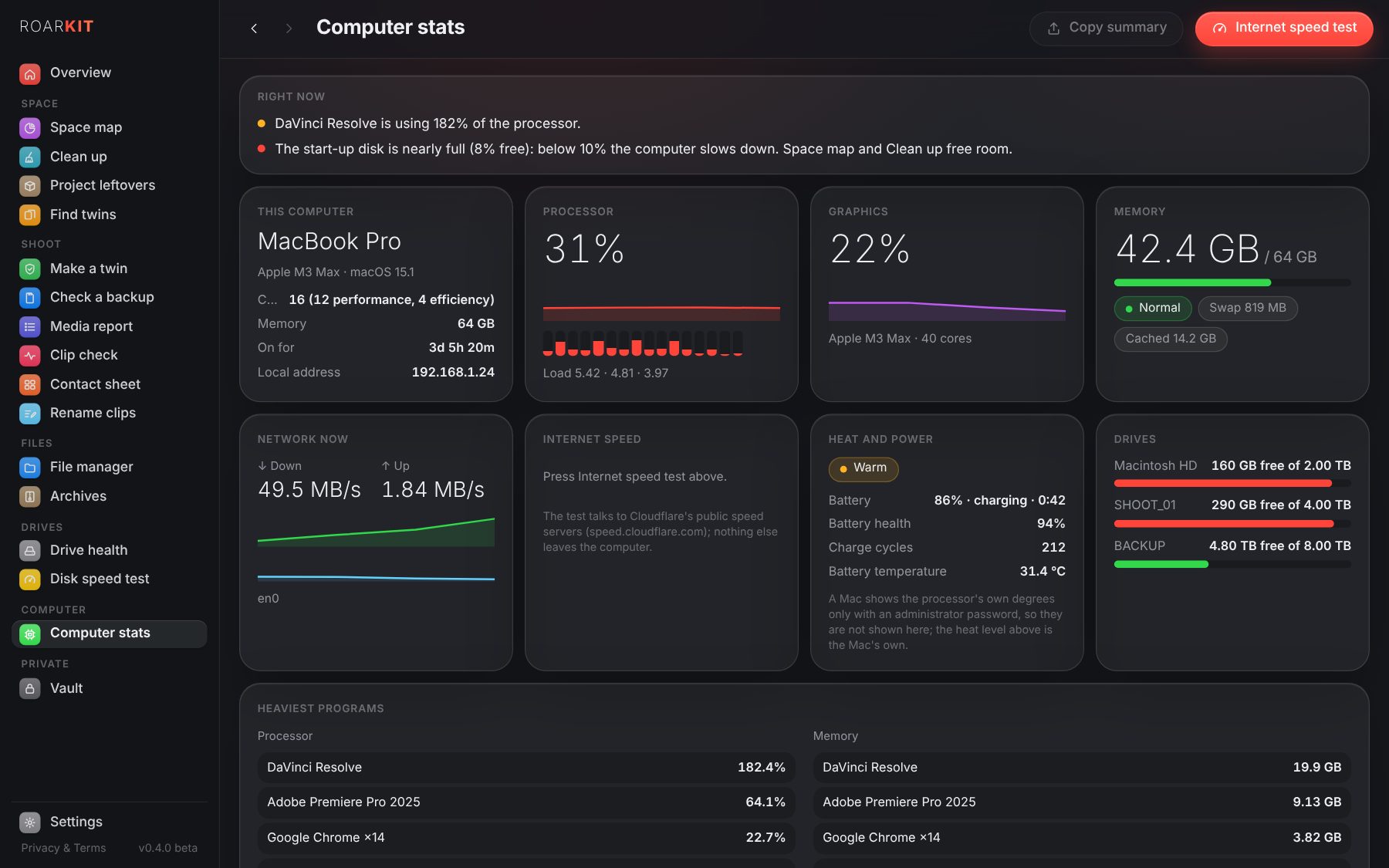
The computer, live.
Every core of the processor, the graphics, memory and its pressure, swap, the drives, the network, heat and battery, and the programs that work it hardest. One button measures the internet: how long a 10 GB delivery takes to go up and come down.
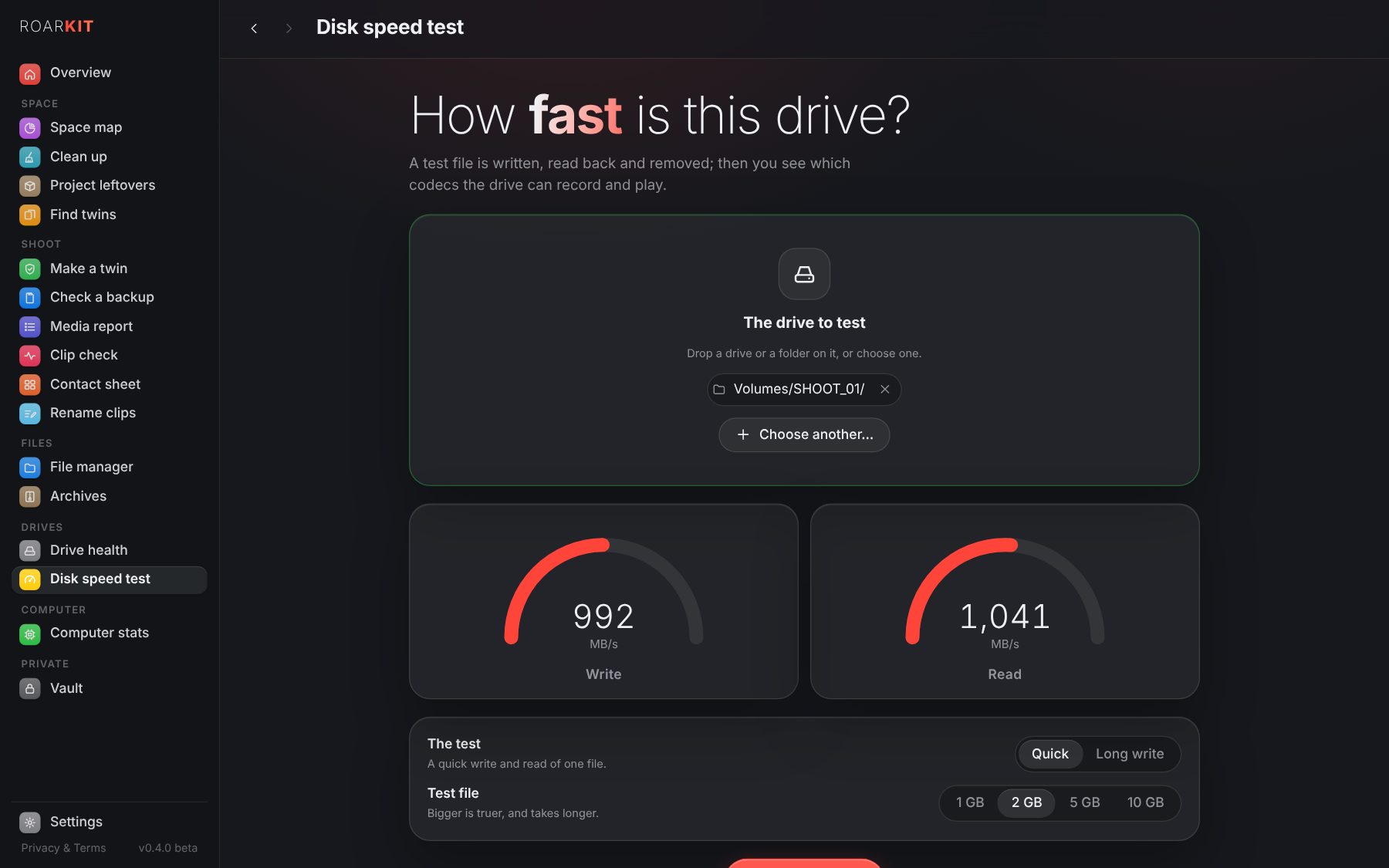
How fast is this drive?
A test file is written, read back and removed; then you see which ProRes, BRAW, H.264 and H.265 rates the drive can record and play. A long write shows where an SSD slows down once its cache is full, as on a long take, and each drive keeps its last results to compare.
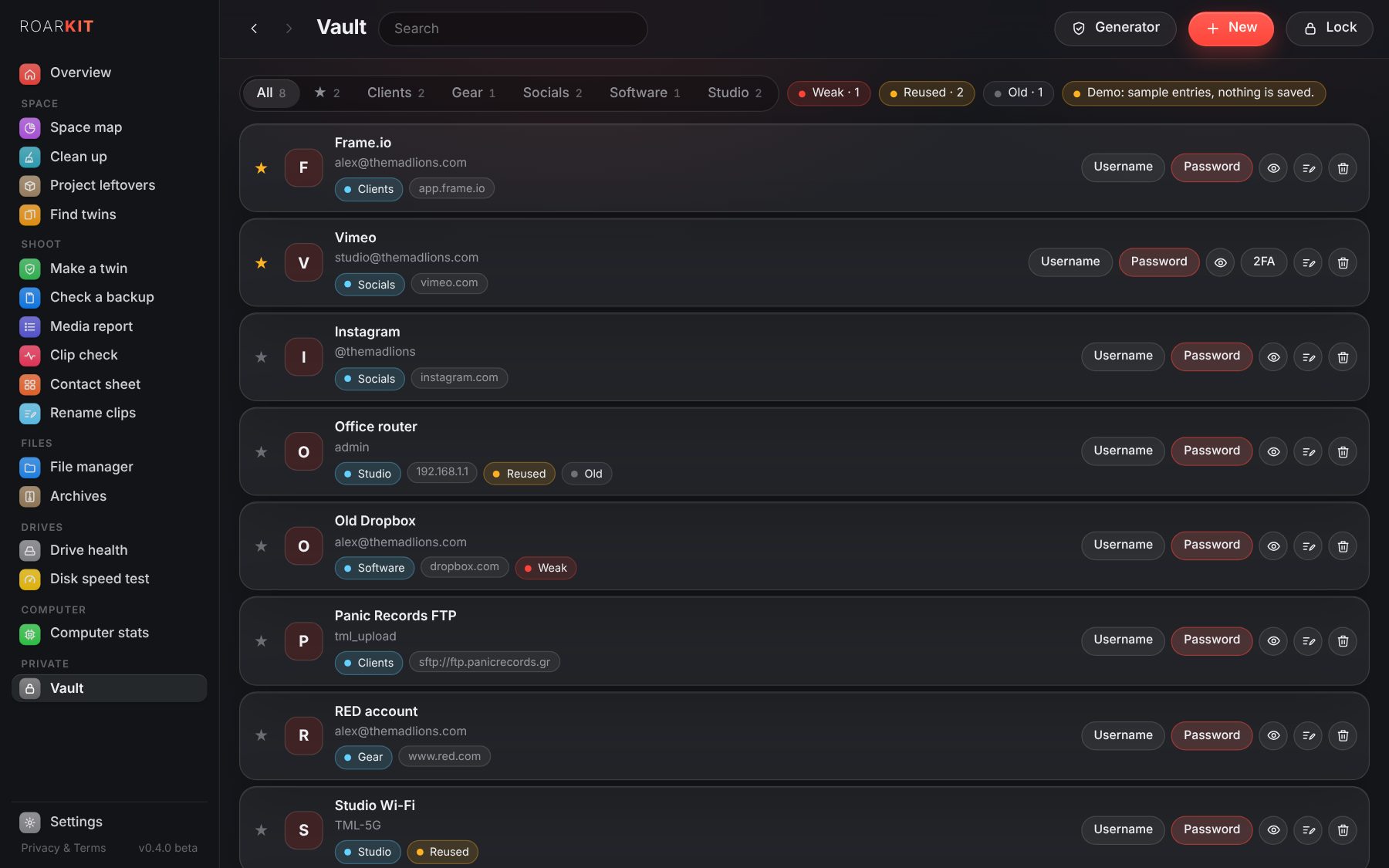
Your passwords, locked.
One master password opens them; they are sealed with AES-256 on this computer and never leave it. 2FA codes, a generator, weak, reused and old passwords marked, and an import from Chrome, Safari, Firefox, 1Password or Bitwarden.
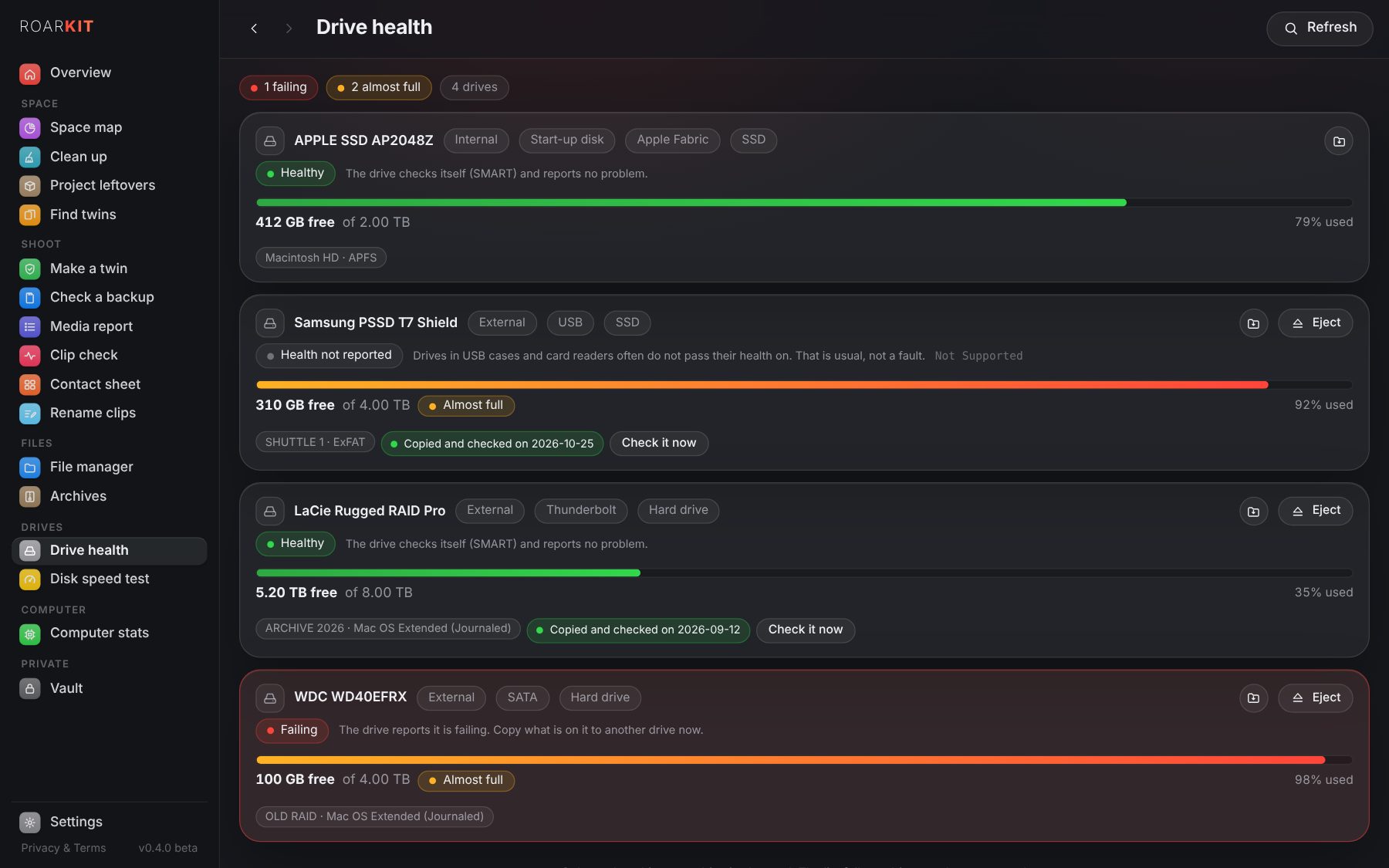
Every drive, checked.
What each drive reports of its own health, its free space and how it is connected, with Eject in the list. A drive that warns it may fail moves to the top of the Overview.
Dark, light, your colour.
Dark, Light or Automatic with the computer, six accent colours, the text size, less movement. On a Mac the side menu is the system's own frosted glass.

 v0.4.0